Photoshop mockups or TakeFivve?
A Photoshop mockup template gives you full control, one file at a time. TakeFivve puts every design into every room for you, then drafts the listing.
The short answer
Photoshop is the right tool when you want to touch every pixel. It is slow when you add designs every week.
Stay with Photoshop if
- You want full control over every scene
- You already own the templates and know Photoshop well
- You make a few mockups at a time
- You're happy to record actions or run scripts for batches
Pick TakeFivve if
- You add new designs often and want them in all your rooms at once
- You want a mockup for each frame and size without opening a file
- You want the listing and the print files done too
- You would rather not keep Photoshop open for this
How a Photoshop mockup works
Most mockup templates you buy work the same way.
- A smart objectThe design sits in a smart object. You open it, or use Replace Contents, and put your design in.
- The same shapeThe new design needs the same size and shape as the one it replaces, or it can come out stretched or cropped.
- One file at a timeEach template makes one picture. Every new design goes through every template you use.
- BatchesDoing many at once means recording an action or running a script.
Checked on 14 November 2026 against Adobe's own community forum. Photoshop is a trademark of Adobe. TakeFivve is not connected with Adobe.
In TakeFivve, the room is yours.
Use a photo you took, a ready-made room or one the AI makes from your words. Every design you add is shown in it.
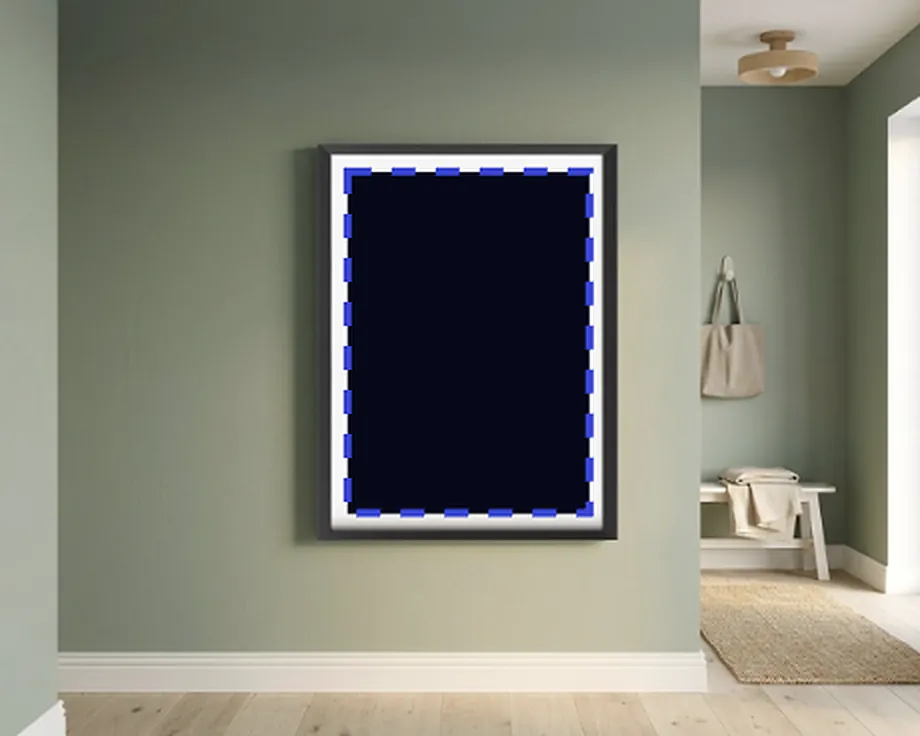
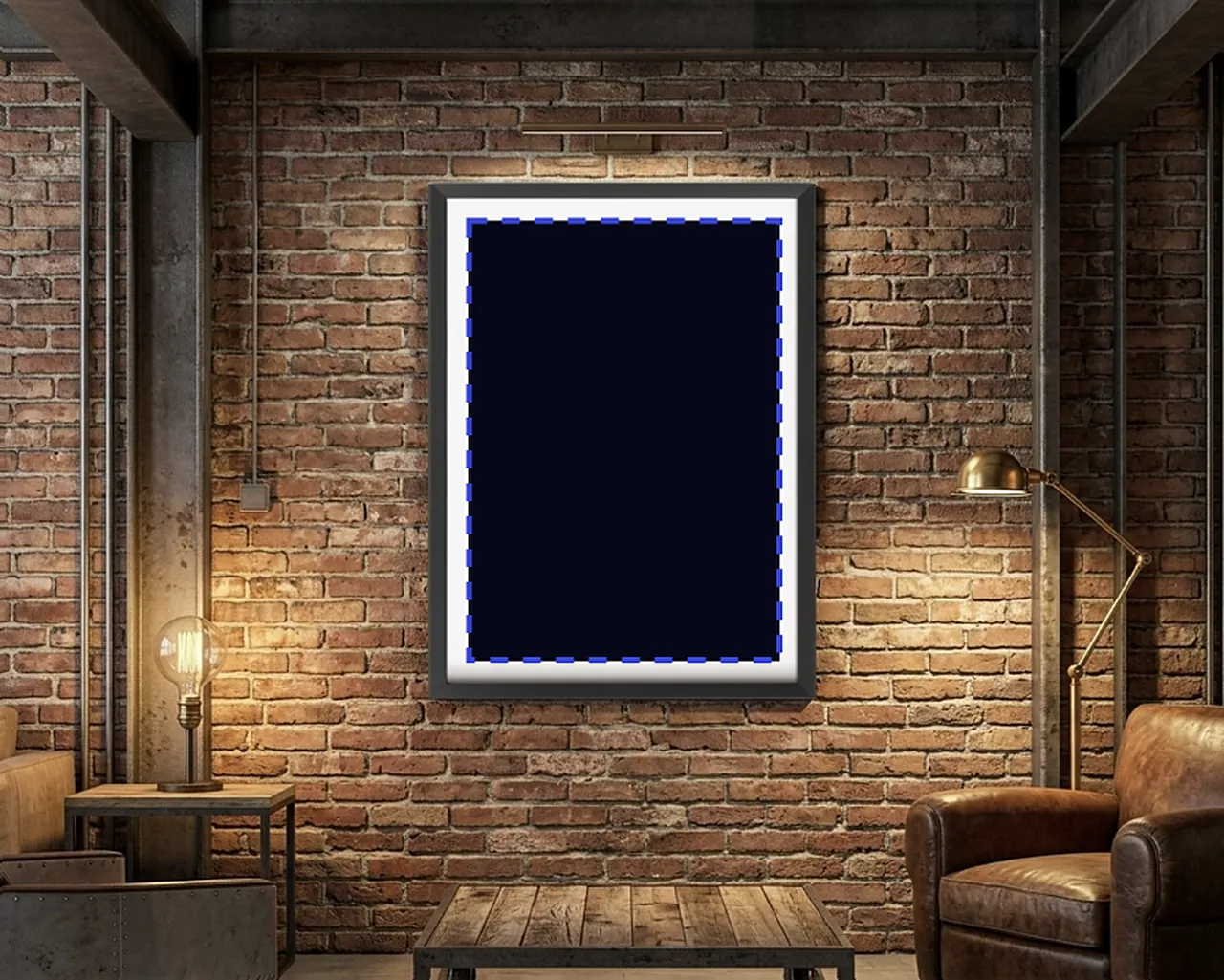
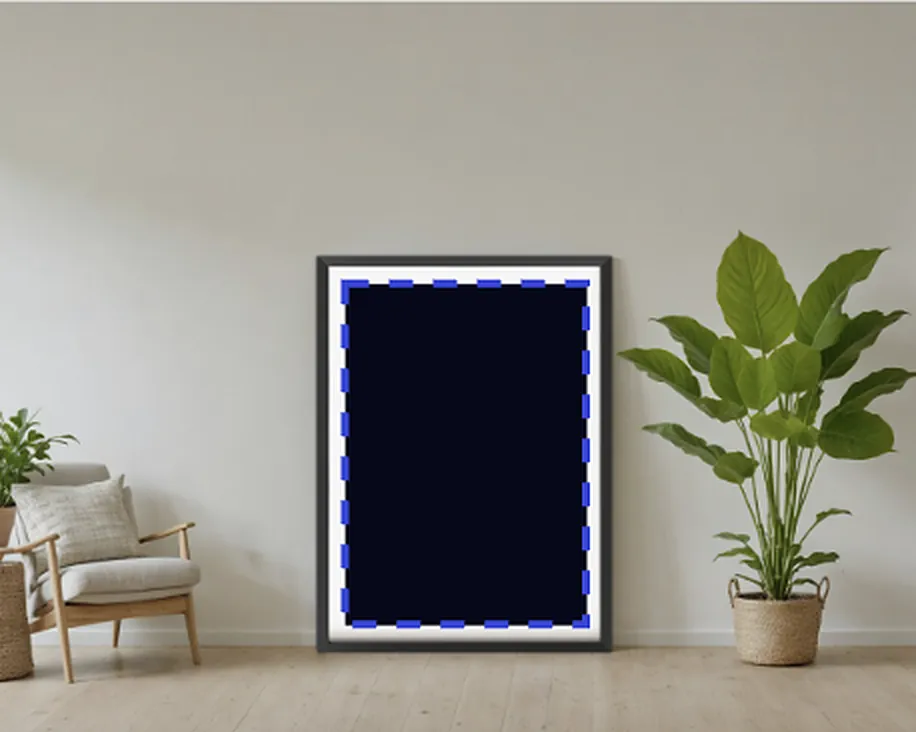
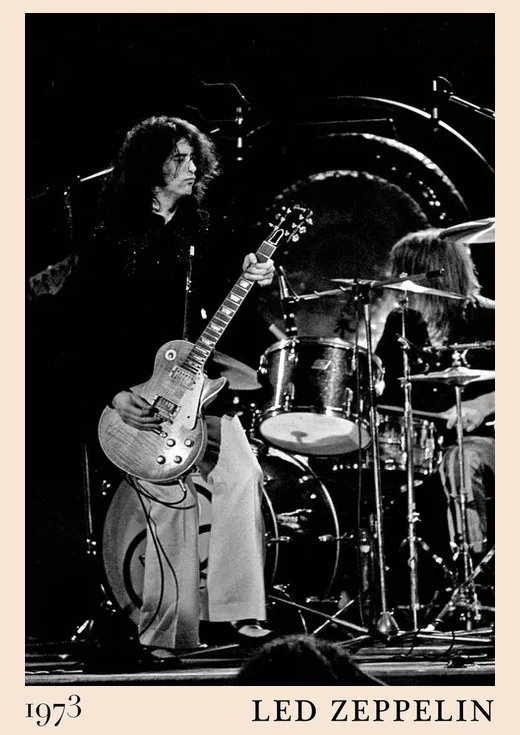
- AI roomsPick a style or use your own words. Choose from three.
- Your own photosAny room or product photo becomes a template.
- A mockup for each variantEvery frame and every size you sell.
- Your design is never redrawnThe AI makes the room. Your design goes in untouched.
Side by side
The rest of the listing, in the same place.
- ListingsThe AI reads your design and drafts the title, description, search text and tags. Change anything before it goes live.
- PublishingOne click to Shopify, with options, prices, SKUs, photos and videos. It is a draft until you press publish.
- Print filesA5 to A1 and US sizes at 300 DPI, with 3 mm bleed.
- Listing videosTwo for each product, plus reels and shop reels.
- SKUsSet a pattern for each range. The next one is handed out and never used twice.
- Bulk editChange hundreds of listings at once. See the before and after, then apply now or on a date.
- FinanceSales, costs and royalties line up with the products they belong to.
More comparisons
TakeFivve or Dynamic Mockups?
A mockup engine with Photoshop templates and an API, or your own rooms with the listing and Shopify after.
TakeFivve or Canva mockups?
Mockups inside a design tool you may already use, or a tool built for listing and selling your designs.
TakeFivve or Placeit?
A big library of ready-made scenes, or rooms that are yours with the listing after.
TakeFivve or Printful's mockups?
Free mockups of Printful's own products, or any printer with your own rooms and the listing.
TakeFivve or Printify's mockups?
Free mockups of Printify's own catalogue, or any printer with your own rooms and the listing.
TakeFivve or Mockey?
Templates for many kinds of product, or rooms made for prints with the listing after.